AI automation for small businesses: what can it do?
· 3 min read · HECKTO studio
In short
- Use AI to read, classify and draft around repetitive admin.
- Keep approval with a person where mistakes would matter.
- Start with a clearly defined task and compare the full scope of quotes.
AI automation for small businesses can handle parts of repetitive office work: sorting enquiries, extracting details from documents, drafting replies and passing information between systems. For a UK business owner, the useful question is which task needs help and where a person should still check the work.
A sensible starting point is a recurring job with a clear input and a recognisable correct answer. If your process depends on unwritten knowledge, explain that process before asking software to follow it.
What jobs can AI automation do in my business?
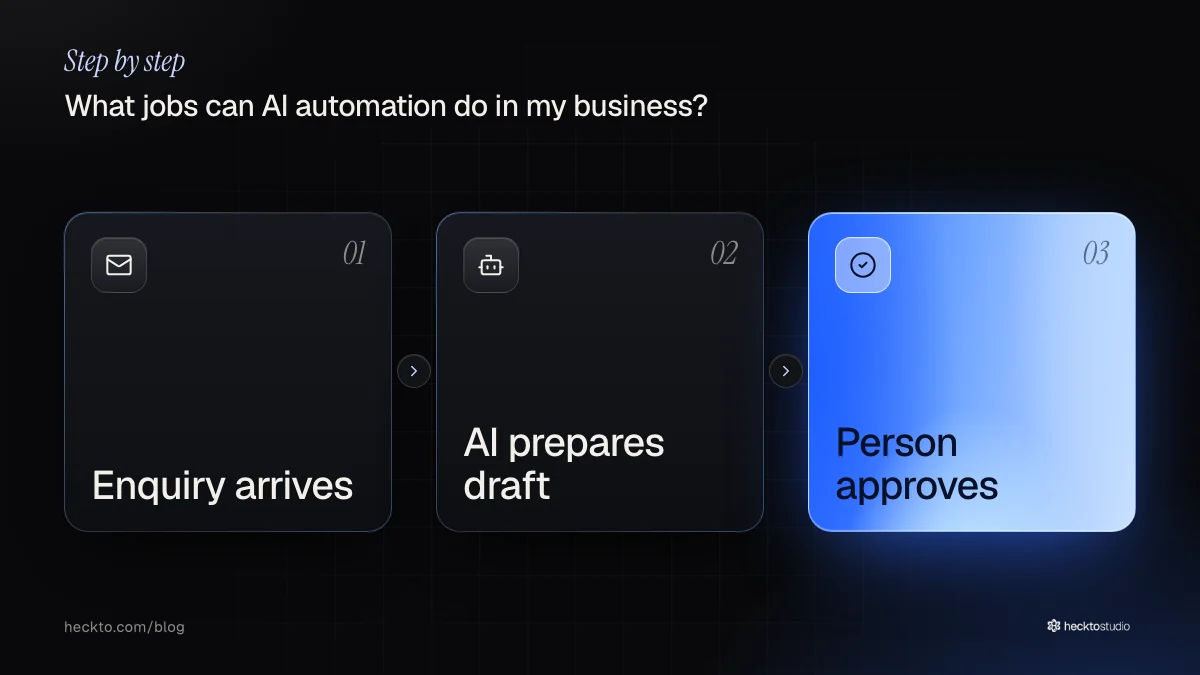
Think about what happens after an email, form or document arrives. AI can help identify what it concerns, pull out relevant details and prepare the next action. An enquiry might become a draft CRM entry and a suggested reply, ready for someone to approve.
Ordinary automation follows fixed rules, such as sending an acknowledgement when a form arrives. AI is useful when the input varies: people describe the same request differently or send documents in different layouts. A fixed rule may be enough for the straightforward parts.
We build AI software, including custom CRM and back-office systems with your own fields and flow. Our intelligent automations cover emails, documents and data: AI reads, classifies and replies while you stay in control. The code stays yours.
We also build AI websites. If enquiries begin on your website, consider what information the form should collect before deciding how to automate the work behind it.
How do I choose what to automate first?
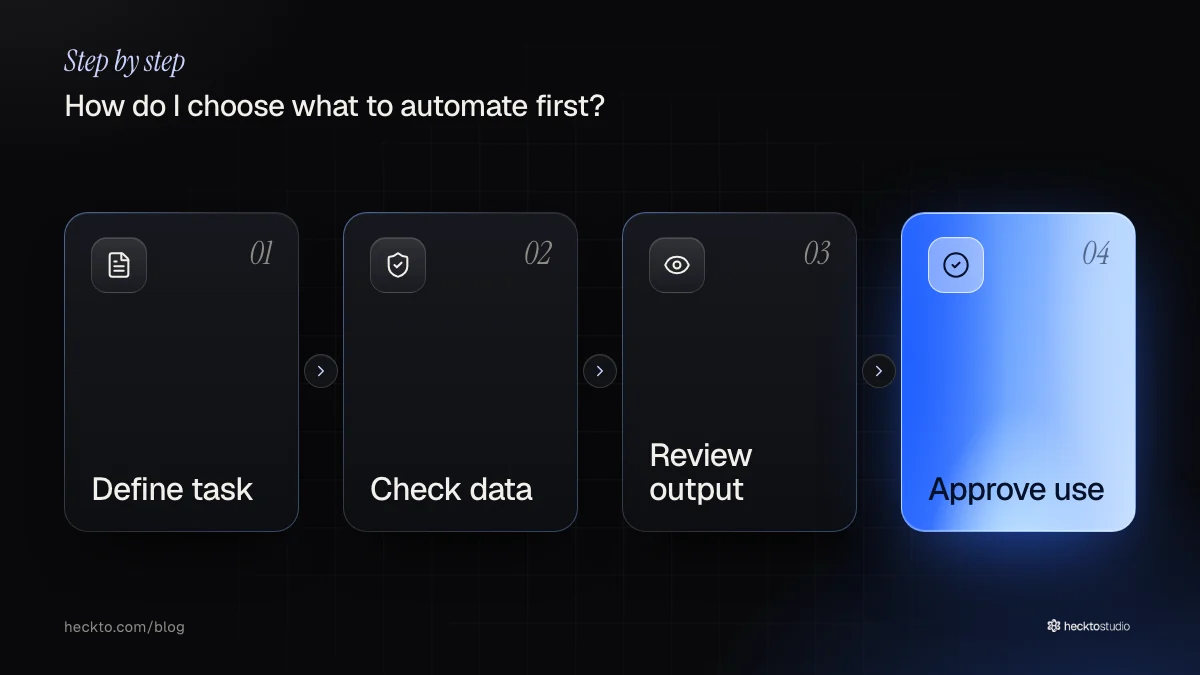
Choose a task you can explain from start to finish. Gather representative examples, including awkward ones, and define what a correct output looks like. Decide who checks uncertain answers and what happens if the automation stops.
Before connecting customer or staff information, check the ICO’s guidance on data protection and AI. Ask what information the tool receives, where it goes, who can access it and how deletion works. Check relevant GOV.UK guidance and any platform’s own policy page where your planned use requires it.
Compare quotes against the same written scope. Cost depends on the systems involved, the condition of your data, the decisions the automation must make and the support required. Ask about ongoing software charges, ownership, testing and maintenance.
Keep the first version narrow enough to inspect. Review its output against your examples before allowing it to send messages or change records without approval.
What else should I check before automating?
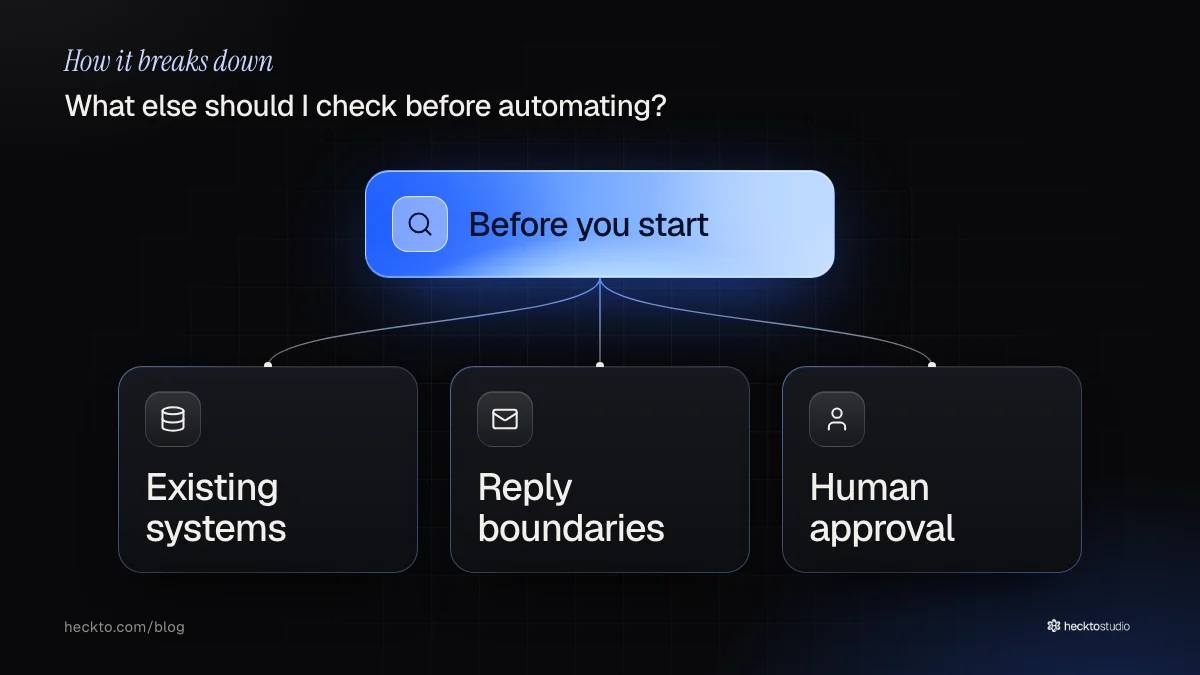
- Do I need a new website? Start by checking whether your existing forms and systems can support the task.
- Can AI answer every customer email? Define which messages it may handle and which require your judgement.
- What should I leave manual? Keep approval where an incorrect action could create a commitment, expose information or damage a customer relationship.
Our take
Our view: automate a task you understand well enough to check. We have not assessed your systems; suitability depends on your workflow, data and tolerance for mistakes. To start with us, send a short brief through our contact page or WhatsApp linked on heckto.com, explaining what you want to achieve. We quote each project individually.
Where this meets our work: AI Software.