AI email and admin automation for a small business
· 2 min read · HECKTO studio
In short
- Start with a repetitive task that follows clear rules.
- Let AI interpret messages; use fixed rules for actions.
- Keep a person approving sensitive replies and changes.
- Compare quotes against the same workflow and responsibilities.
A small business can use AI email and admin automation to read incoming messages, sort enquiries, draft replies and prepare records. Start with a repetitive task, connect only the information it needs, and keep human approval before anything sensitive is sent or changed.
The useful distinction is between understanding and acting. AI can interpret a loosely written email; ordinary automation can then route it or create a task. You do not need to hand your whole inbox to an autonomous assistant.
Which emails and admin tasks should I automate first?
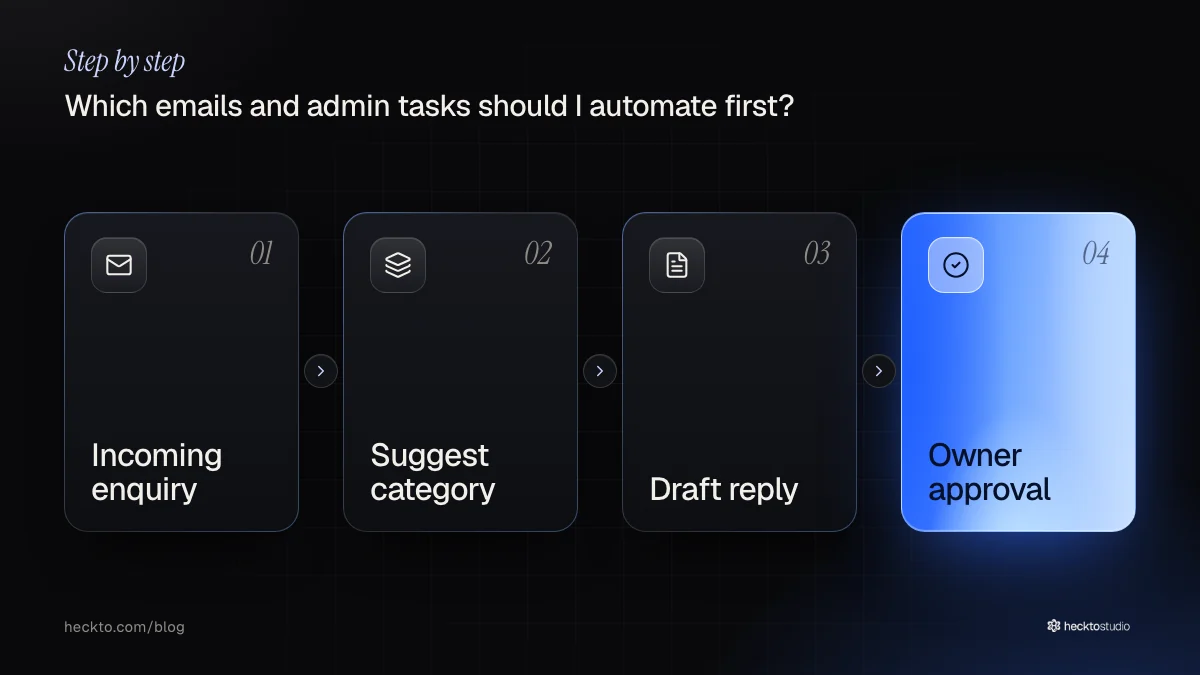
Choose work you repeat often and can describe clearly: identifying enquiry types, extracting details from attachments, drafting acknowledgements or preparing follow-up tasks. Avoid starting with complaints, payment changes or messages that commit your business to something.
Write down the trigger, the information needed, the proposed action and who approves it. For an enquiry, that might mean reading the message, suggesting a category, drafting a reply from approved information and putting it in a review queue.
Use fixed templates where the wording barely changes. Add AI where language varies enough to need interpretation. At HECKTO, our AI software work includes automations that read, classify and reply, while the owner stays in control.
How do I connect AI to my business without losing control?
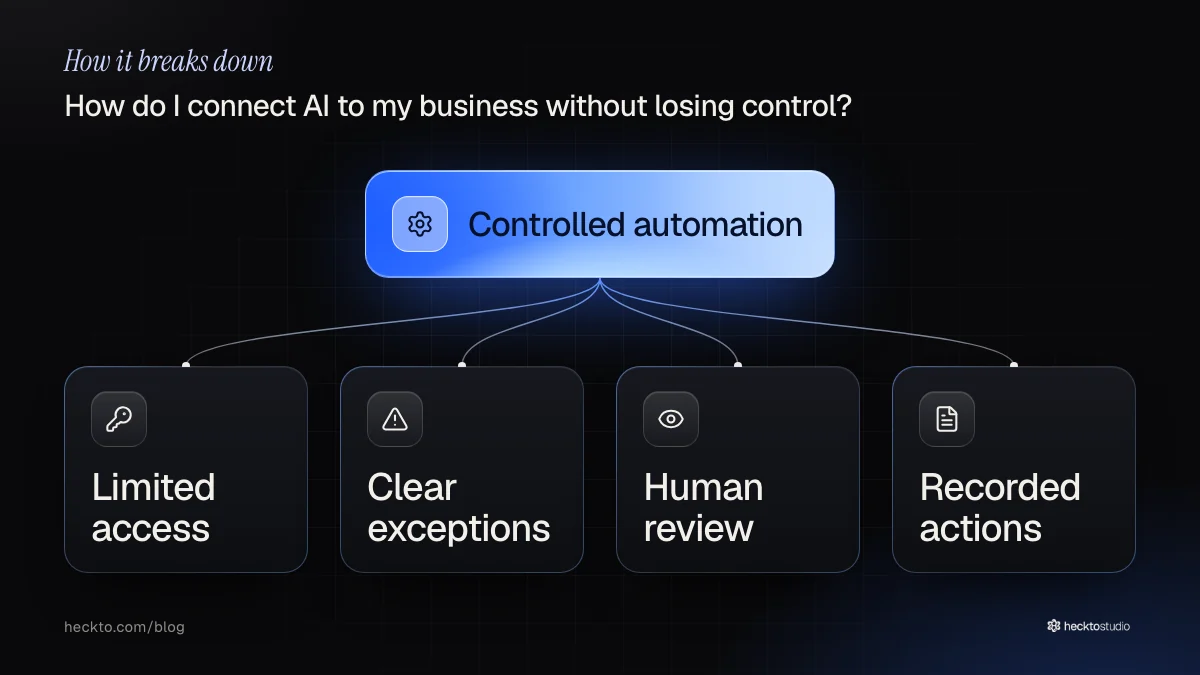
Map where information already lives: your inbox, website forms, documents and customer records. Check whether those systems can exchange the fields you need. Copying information between disconnected tools may leave you with another process to maintain.
Give the automation limited access. Decide what happens when information is missing, contradictory or unclear: it should flag the item for review. Keep a record of its proposed action and any changes made.
Before using customer or staff information, check the ICO's guidance and the chosen provider's terms, retention settings and access controls. Establish who can see the data and how you would remove it.
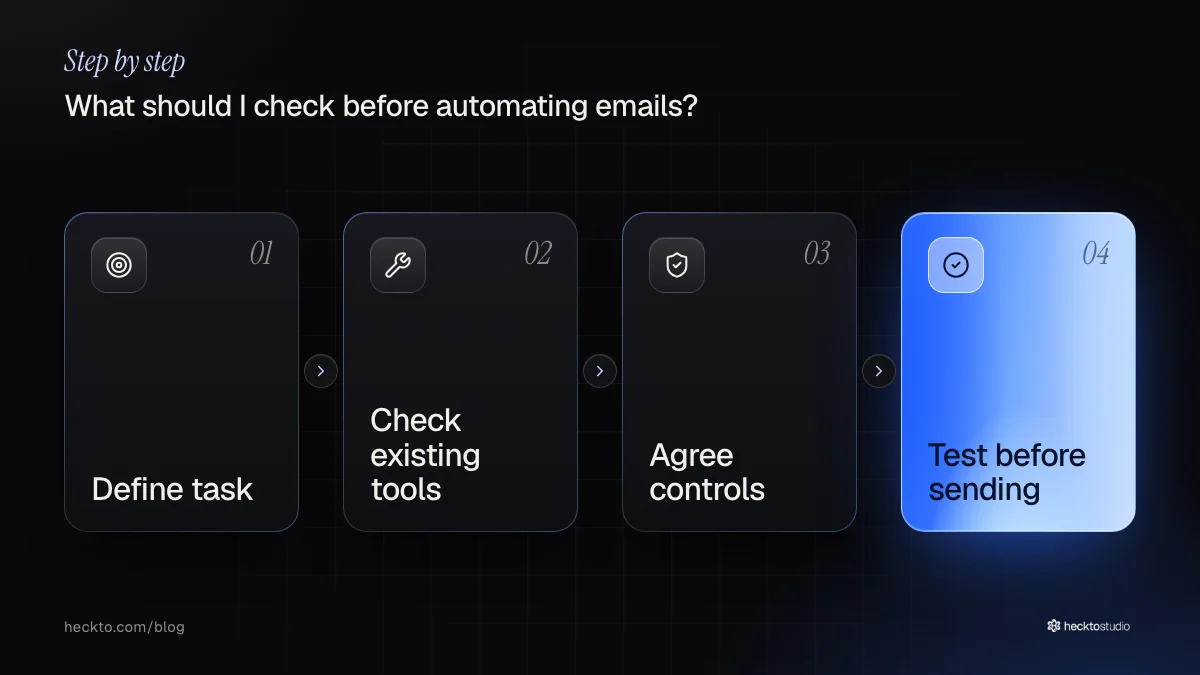
Test on made-up enquiries, including missing attachments and ambiguous requests. We build custom CRM and back-office software around a client's own fields and flow. If enquiries start online, our AI websites service may also be relevant to the project.
What should I check before automating emails?
- Can AI send emails automatically? It can, but begin with drafts for approval. Consider automatic sending only for narrowly defined messages with agreed wording and an exception route.
- Do I need custom software? Perhaps not. Check whether your existing tools cover the task before commissioning connections or a custom workflow.
- What affects the cost? Connections, document complexity, permissions and ongoing support affect scope. Compare quotes using the same task description, including testing, ownership and maintenance.
- What if AI gets something wrong? Assign someone to review exceptions and give them a way to pause the workflow. Check both the draft and the recipient before approving.
Our take
We would start with a bounded workflow and leave broader automation for later. Human review still matters because a plausible reply can contain incorrect details. To start with us, send a short brief describing the task and what you want to achieve; we quote each project individually.
Where this meets our work: AI Software.