AI search readiness checklist for your small business
· 2 min read · HECKTO studio
In short
- The reported school policy concerns K-12 student accounts
- The sources do not establish a matching policy for business customers
- Our suggested checklist starts with checking your website content
- We favour a small test with clear limits before further spending
An AI search readiness checklist should start with questions, not a shopping list. As CNBC and 9to5Google reported, Google faced criticism over school settings that tie access to Search to accepting AI features. The reported changes concern K-12 student accounts. Google defended the controls available to schools.
For a UK business owner, we think this raises a useful question: what happens when a familiar service includes AI you would rather decline? The reports do not establish that this school policy will reach business customers. Our advice is to review your website and supplier choices without treating that possibility as a forecast.
Understand the school policy
According to 9to5Google, Google said its revised settings leave Search, Gemini, Gemini Notebook and Gemini in Classroom disabled for K-12 student accounts until administrators enable them. The outlet reported that keeping AI features entirely disabled also leaves those students without Google Search.
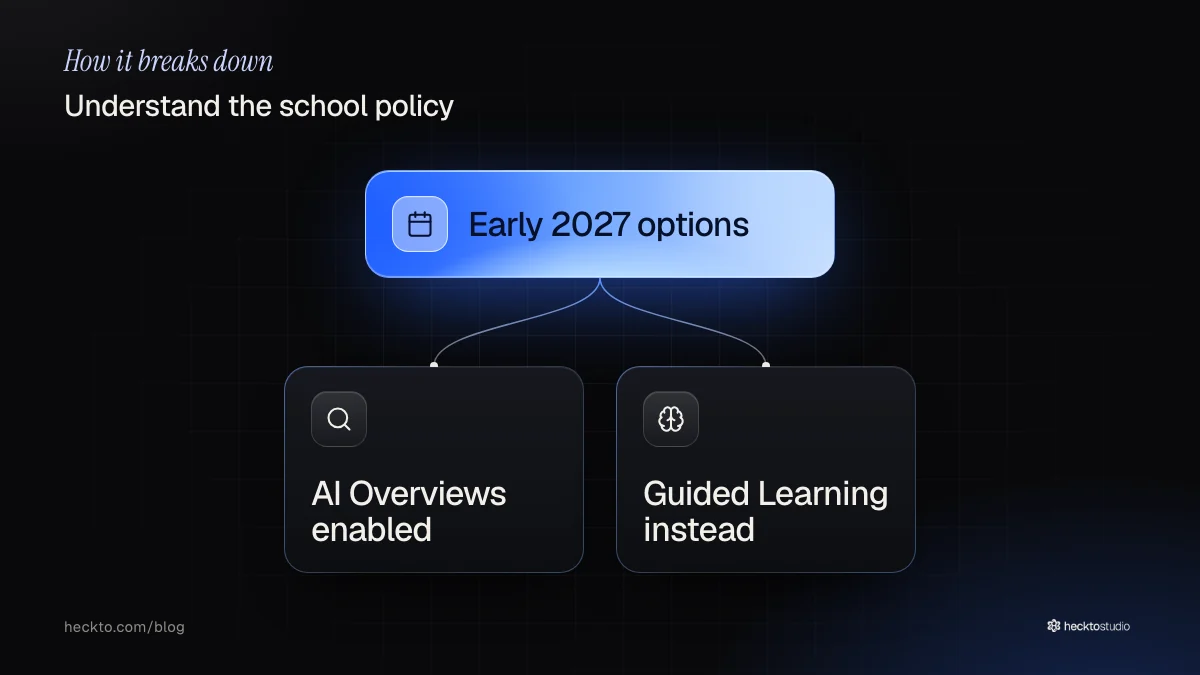
Separately, 9to5Google reported two planned choices for early 2027: Search with AI Overviews and other AI features, or Guided Learning replacing those features. Guided Learning is intended to help students reason through schoolwork. These are reported future alternatives, rather than steps that follow from leaving AI disabled.
CNBC reported that Google's response stressed school control but did not directly address the claim that Search access requires AI. Neither account establishes that separating them is technically impossible.
Review your content and your choices
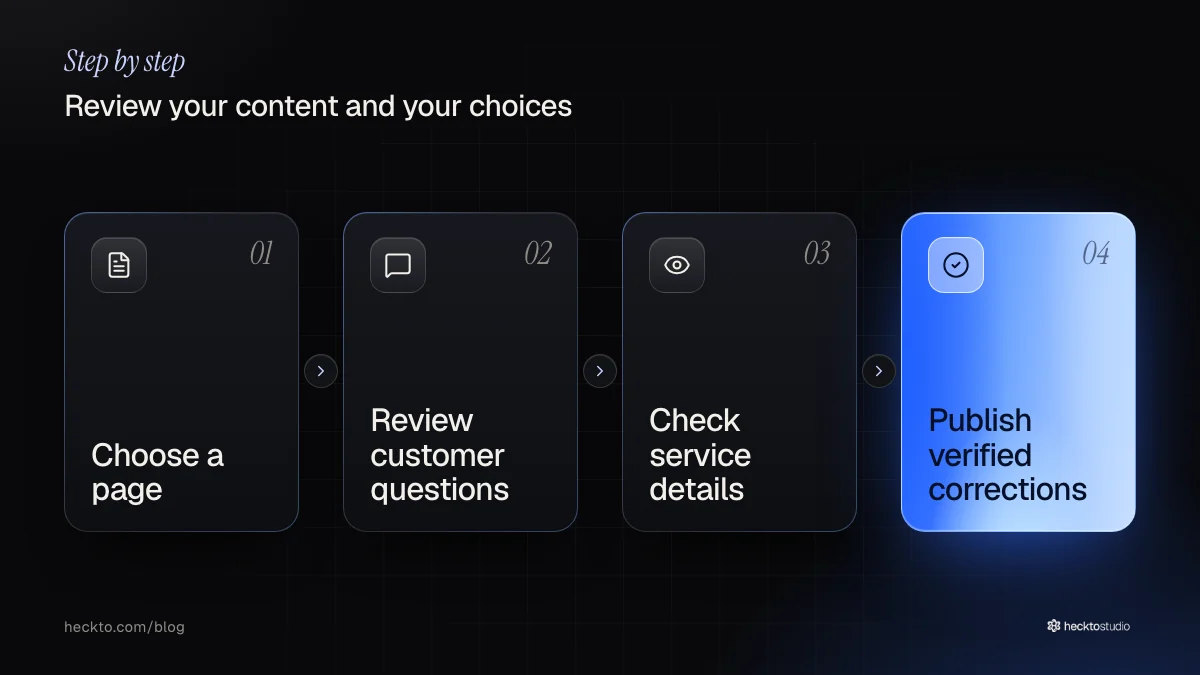
We suggest starting with the information you control. Choose a service page and compare it with questions customers actually ask you. Check whether it explains the work, any price limits and how to contact you. Correct anything vague or outdated. This is an editorial checklist, not a promise of better search rankings.
If you are considering AI websites, ask for a clear explanation of what the AI feature does and how you would update its source material. For AI software, ask what remains available if you disable the AI element. We would want that answer before agreeing to the work.
- Choose a page to review
- Compare it with customer questions
- Check details against your actual service
- Publish the corrections you can verify
Our take
We think the useful lesson is about retaining a workable choice. We would judge an AI feature by the task it handles, the effort needed to check it and what happens when it is switched off. A supplier's enthusiasm is not enough reason to buy.
For a small firm, we would correct unclear pages before commissioning an AI assistant to explain them. Then, if there is a specific job worth testing, keep the trial narrow and decide beforehand what would justify keeping it. We have not tested business search results here, so we would promise neither extra enquiries nor protection from future platform changes.
Source: Google responds to political backlash over removing search from schools that ban AI (CNBC, 4 November 2026).
Where this meets our work: AI Websites.