Apple AI office apps: what should your business try?
· 2 min read · HECKTO studio
In short
- Pages, Keynote and Numbers are getting an AI assistant.
- The beta needs compatible devices and supported software.
- We suggest testing a familiar task before changing your workflow.
Apple AI office apps are getting a chatbot. As The Verge reports, Apple is adding an assistant to Pages, Keynote and Numbers. For a UK small business, we think the useful question is simple: which everyday document would you trust it to help with?
Our first choice would be a familiar job, such as reshaping a draft proposal. We would judge the result against your existing work before giving the assistant a larger role.
What Apple has announced
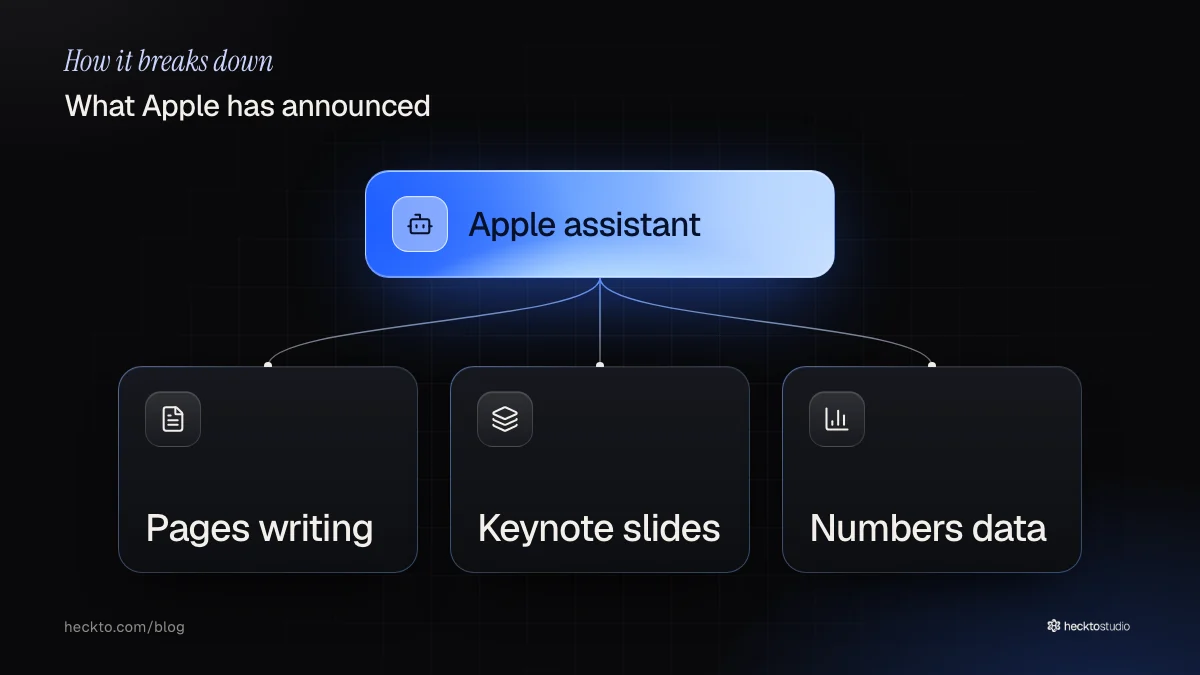
The assistant uses models from Apple and OpenAI. In Pages, its tasks include drafting, revising and reorganising writing. In Keynote, it can use the document’s context to help with slide design, animation and refinement. In Numbers, it can handle calculations, arrange data, suggest charts and create custom tables.
Availability needs attention. The assistant is arriving as a beta for hardware that supports Apple Intelligence, with iOS 27, iPadOS 27 or macOS 27 and later required. On macOS 27 and later, the apps also support Model Context Protocol, which lets outside AI agents connect to them.
Apple also announced changes across its creative apps. Updates to its Creator’s Studio will reach existing subscribers at no extra charge in November. We would keep that separate from any assumption about the office assistant’s price: the supplied report does not establish that.
Start with work you can check
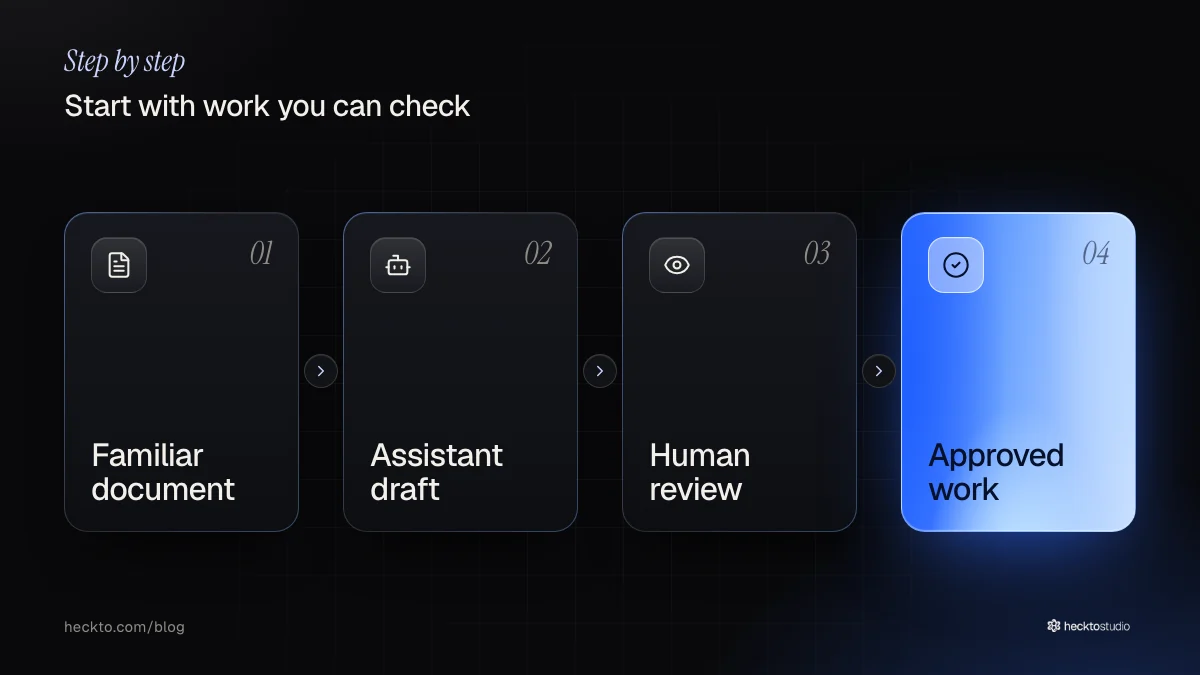
We suggest choosing a document whose contents you already understand. Ask for a clearer structure in Pages, or a different chart in Numbers. Then compare the result with the original. Did it preserve the meaning? Does the chart answer the question you actually asked?
For a small team, we would make that review part of the task. Before sending a proposal, check the promises it makes. Before sharing a spreadsheet, check its calculations. Before presenting slides, check that the message still sounds like your business.
We would also distinguish document help from a wider operational problem. If the job is rewriting a page, try the assistant. If the problem is moving information between your business systems, we would assess that separately through AI software. For customer-facing pages, our AI websites work starts with what visitors need to understand and do.
Our take
We think the sensible ambition here is modest: get a useful draft, then decide whether it deserves to become finished work. We would value a clearer customer proposal more than an elaborate slide animation. Start with the task your team repeats and understands, rather than the feature that looks most impressive.
Our test would be whether the assistant reduces the total effort, including checking and corrections. We would leave external agent connections for a specific need. We have not tested this beta, so we cannot judge its accuracy. Keep responsibility for the finished work with someone who knows the business.
Source: Apple is adding an AI chatbot to Pages, Keynote, and Numbers (The Verge, 27 October 2026).
Where this meets our work: AI Software.