Chrome AI autofill update: what UK small firms should know
· 2 min read · HECKTO studio
In short
- Chrome could suggest form details drawn from Gmail.
- You control whether the feature is enabled through Chrome settings.
- Google says it encrypts sensitive information.
- The announced rollout covers US users.
The Chrome AI autofill update could reduce the inbox searches that interrupt routine admin. Google says Chrome will suggest details from Gmail for online forms, according to TechCrunch. Those suggestions could include membership details, order references or flight booking confirmations.
For a UK business owner, the useful question is whether this could make everyday paperwork easier. The announced rollout covers US users. The report gives no confirmation of a UK launch.
What Google announced
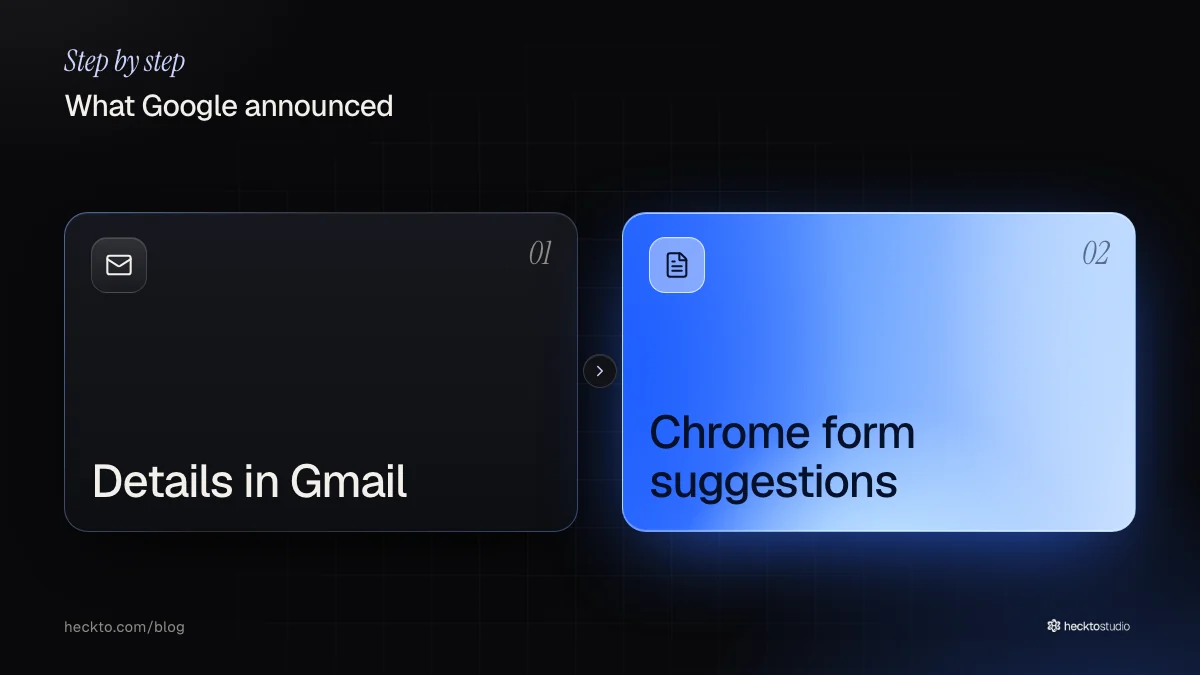
Google is expanding Chrome’s autofill through Personal Intelligence. That service already lets people link Google apps with Gemini, giving the assistant information it can use when answering questions. The new feature brings Gmail information into form suggestions.
Possible suggestions include parcel tracking information, postal addresses, telephone numbers and payment card details. You can enable the feature through Chrome settings. Google says it encrypts sensitive information.
The US rollout includes desktop access. It also covers the mobile apps for Gemini in Chrome, on both Android and iOS. We would not read that as a promise of availability in every version of mobile Chrome.
What UK businesses should consider
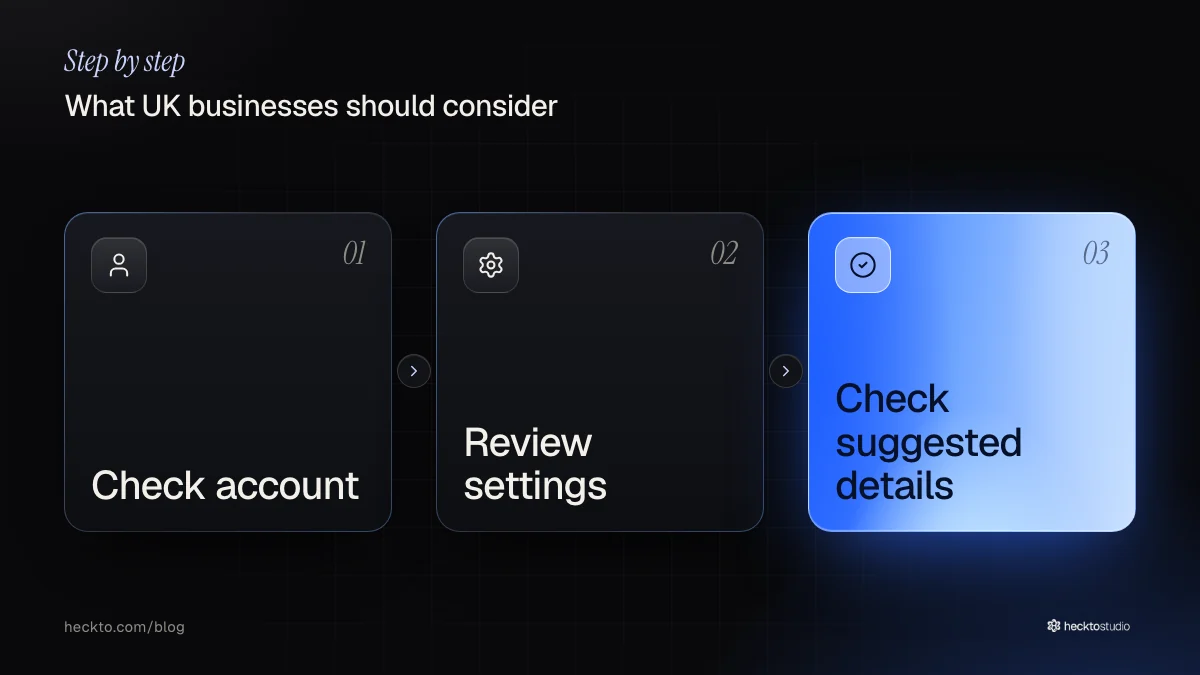
We think the clearest potential use is a task that sends you back to an email for a reference number. If it reaches the UK, try it on a routine form and check whether the suggested information matches what the form actually asks for.
We would treat shared computers as a reason for extra care. Before enabling anything, check which account is signed in and agree who may use it. These are precautions we recommend; the report does not describe what colleagues could see.
For businesses reviewing their own AI websites, we think this news should prompt a simpler question: does each form need every field? Browser assistance could help visitors, but removing an unnecessary question could help too.
Our take
We like the narrow ambition here. Finding a reference number is a specific nuisance, and we think AI earns its place when it helps with a clear task. We would judge this by completed forms with correct details. Counting suggestions would tell us less. A convenient wrong answer would still need fixing.
Our preference is to simplify the work before adding assistance. When discussing AI software, we would first ask why someone needs to move the information at all. Could the process ask for less, or avoid asking twice? We have not tested this feature. If it reaches the UK, check suggestions before submitting; encryption alone would not tell us whether a suggested detail is correct.
Source: Chrome’s AI-powered Autofill can now dig through your Gmail to fill out forms (TechCrunch, 28 October 2026).
Where this meets our work: AI Software.