What editing files in Gemini means for your business
· 2 min read · HECKTO studio
In short
- Gemini now offers file editing within chats to all users.
- PDF previews and editing support web and mobile; other formats currently need the web version.
- The Connected Apps Platform is a phased preview, with Search support still forthcoming.
For a UK small business, editing files in Gemini could mean fewer steps between drafting a document and checking it. The Verge reports that Google has introduced tools for creating, viewing and changing files within Gemini chats, available to all users.
Separately, 9to5Google covered Google's Connected Apps Platform. Developers can register their interest in a preview, with access opening gradually over the coming months. Support for connections within Search is still to come. These are separate announcements, with different implications for your business.
What changed inside Gemini
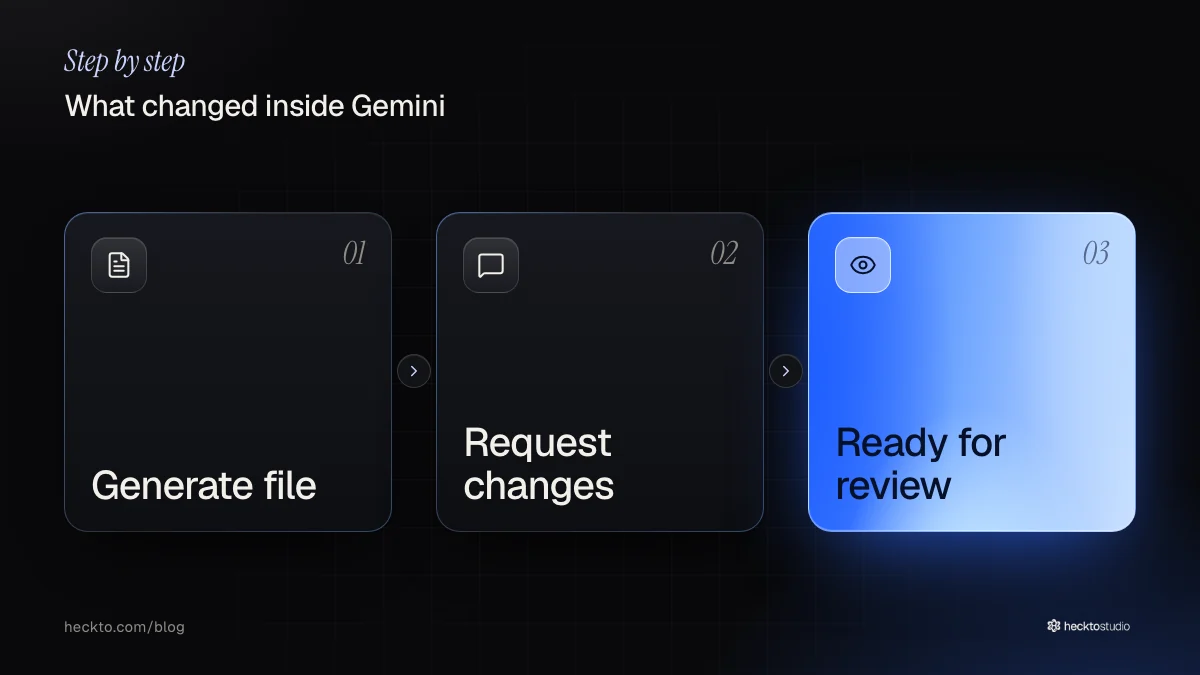
The editing update covers documents in Google Docs, spreadsheets in Google Sheets, presentations and PDFs. It also handles code, Markdown and plain text. You can expand a document to fill the screen, select text and ask Gemini for changes. One example Google gives is converting a selected table into a graph.
Gemini could already produce files for download. Editing through its integrations with Google Workspace was also possible. The change brings editing into the Gemini conversation itself. PDF viewing and editing support both mobile and web. The remaining formats currently need the web version.
Treat connections as something to watch
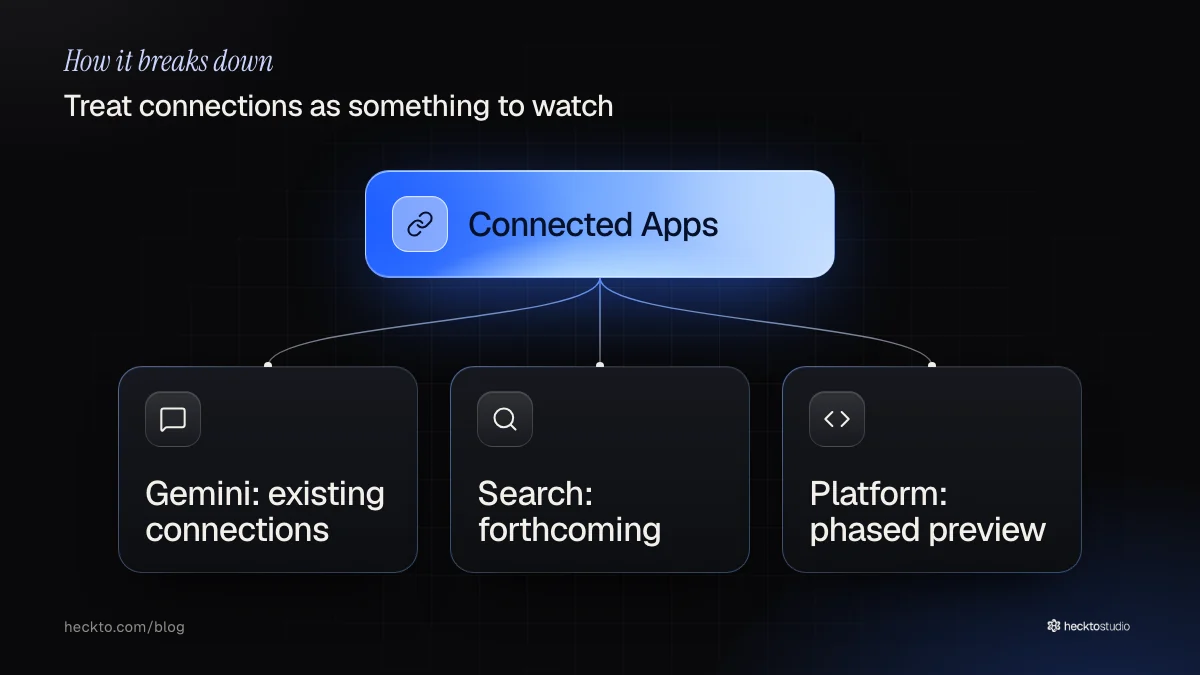
More than 50 external services already connect to Gemini, including Dropbox and Adobe. The new platform offers developers a route to register, test and submit connections through Google's console. Access to that platform is opening in phases.
Developers can choose whether to target Gemini, Search or both, but Search support is forthcoming. We think owners should watch for connections to services they already use. This announcement alone gives little reason to change suppliers or pay for a custom connection. We would wait until a relevant connection is available, then assess the particular job it could do.
Try an ordinary document first
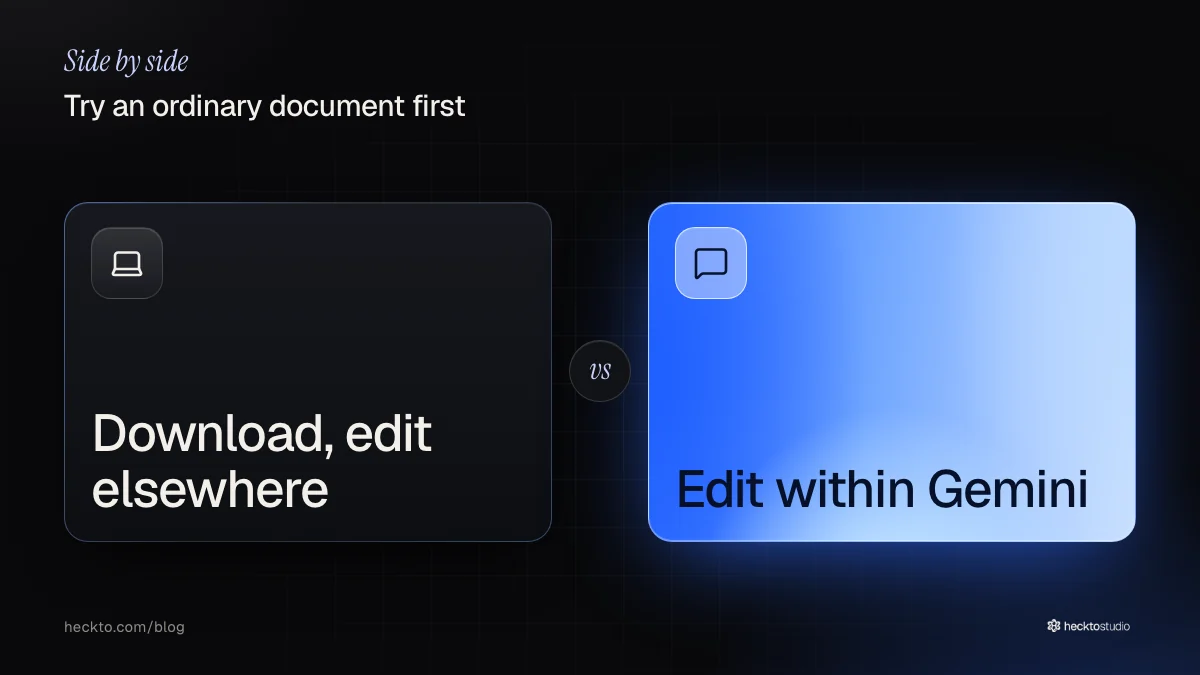
We would start with an internal draft, such as a staff briefing. Request a specific change, then check whether Gemini preserved the meaning. Compare that with downloading the file and editing elsewhere, including any Workspace tools you already use. The useful result is a document ready for review.
If the trial reveals a recurring problem between tools, our AI software service could help address that process. If approved material needs publishing online, our AI websites work is relevant. We would define the problem before choosing either.
Our take
We think the useful measure is how easily someone can approve the result. Keeping edits in a conversation could help, but repeated instructions could also make a small correction more work. We would test a familiar task and count the corrections still needed, rather than judge the feature by how quickly it produces a draft.
Our advice is to keep a named person responsible for approval. Ask them to check the details against the original brief, especially anything a customer will rely on. We have not tested these features ourselves. The risk we would watch for is accepting a polished document before checking its meaning.
Source: You can generate and edit Google Docs files directly in Gemini chats now (The Verge, 29 October 2026).
Where this meets our work: AI Software.